
UniFi Protect Camera Systems
We design and install UniFi Protect camera systems for homes, retail floors, warehouses, and multi-tenant buildings across the Hudson Valley. Recording is local, on a console in your building, and there is no per-camera license or monthly cloud fee to keep the footage.
Cameras run over one Power over Ethernet cable each, so a single run carries both power and video. We size the recorder to the retention you actually need, then hand over a system you can watch from a phone anywhere.
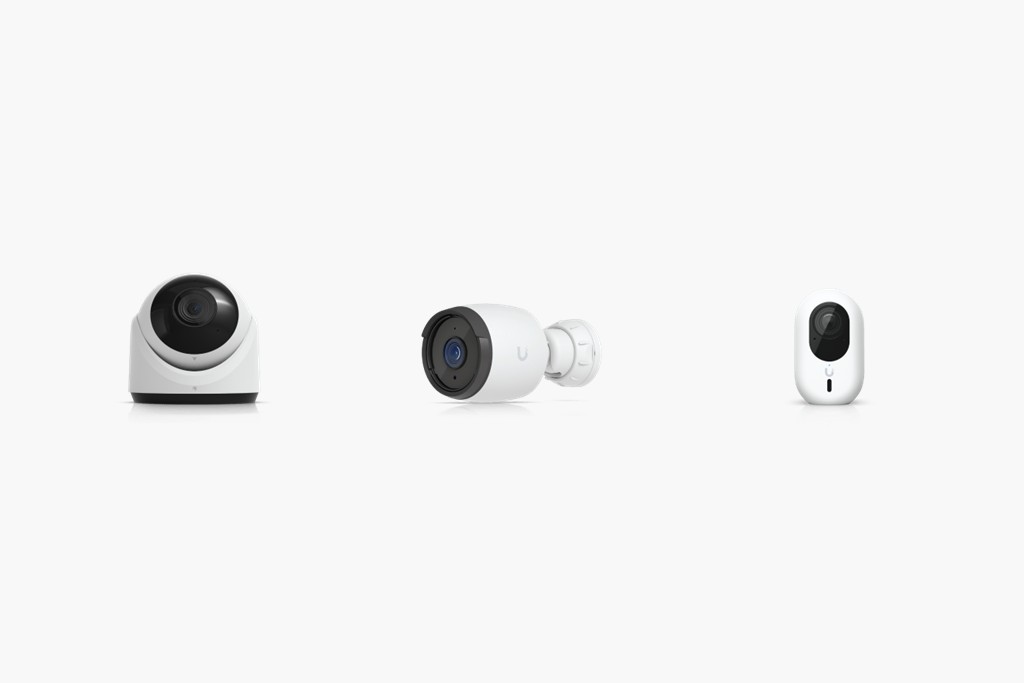
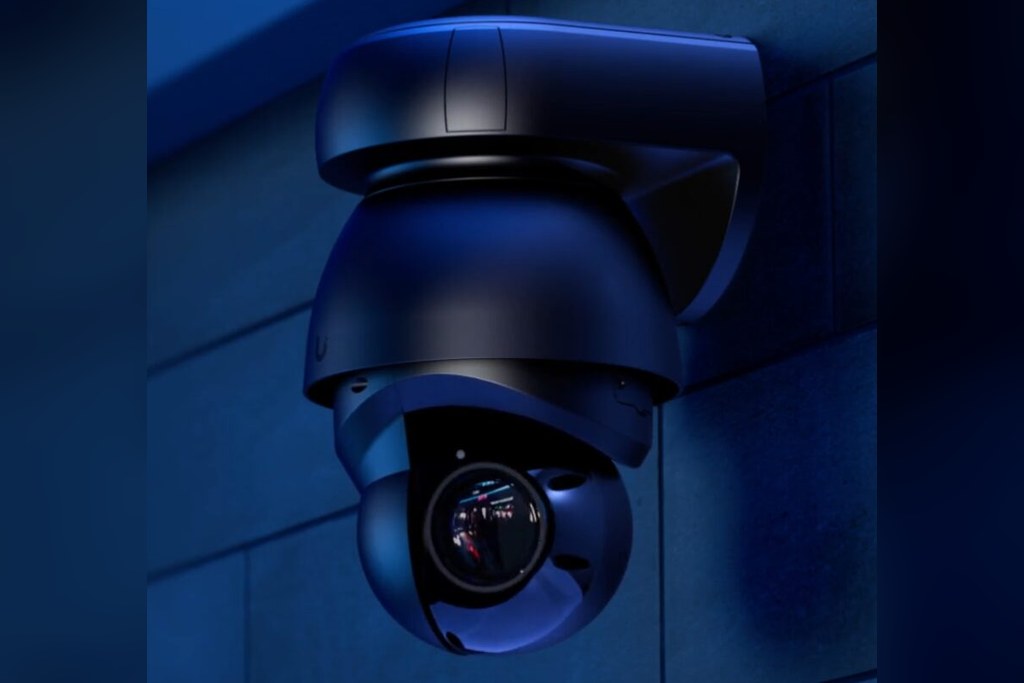
Cameras matched to the view
Turret, bullet, dome, PTZ, and doorbell cameras all run on the same Protect system, so a site can mix them without a second recorder or a second app. We pick per opening: a turret under a soffit, a bullet down a long fence line, a PTZ where one camera has to cover a whole lot.
Hardware we install
Camera bodies are chosen for the mounting position and the field of view, not from a catalog page.
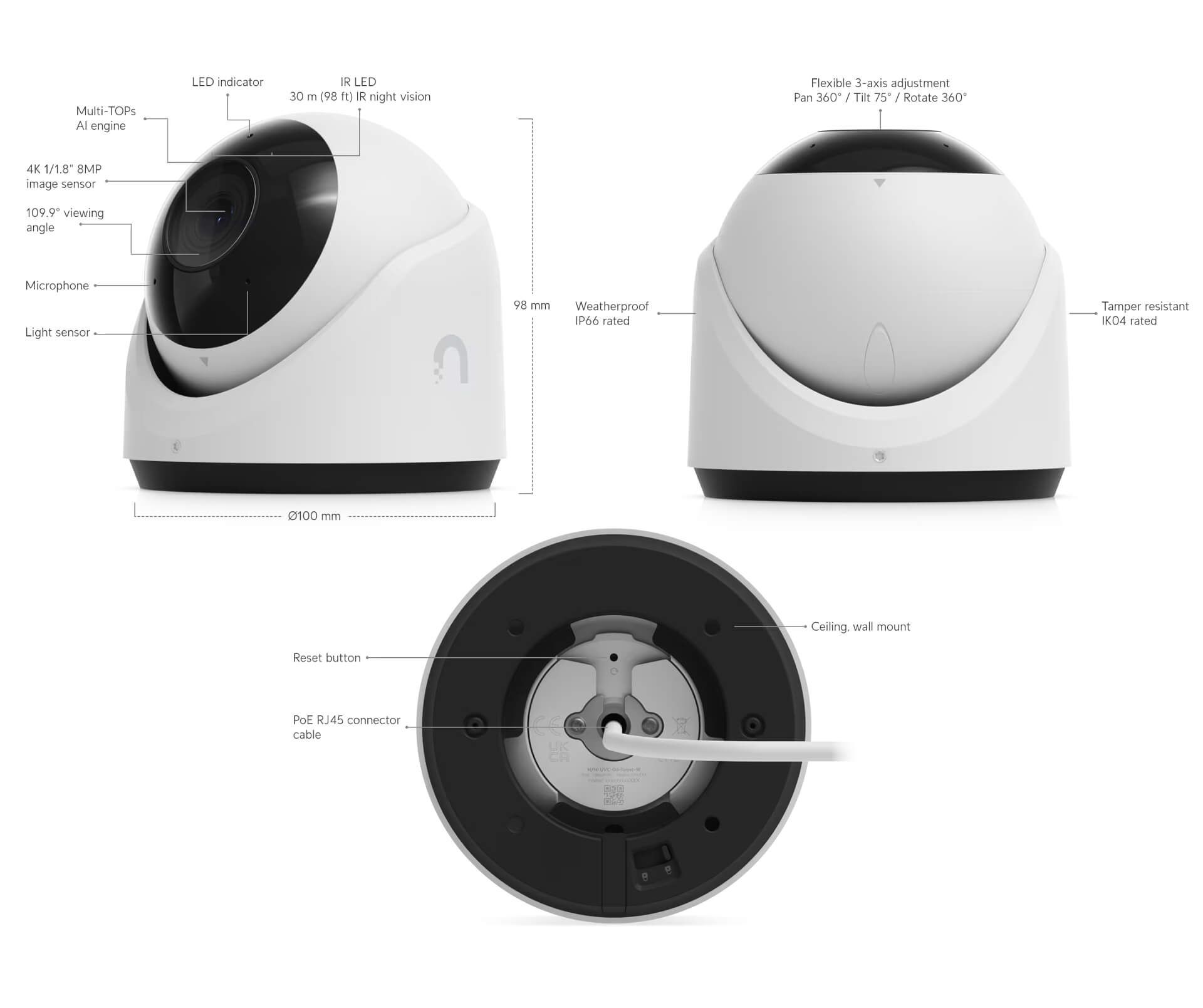
Turret cameras suit soffits, ceilings, and entry doors, where a compact body and an adjustable eyeball let you aim tightly at a doorway without a bulky housing.
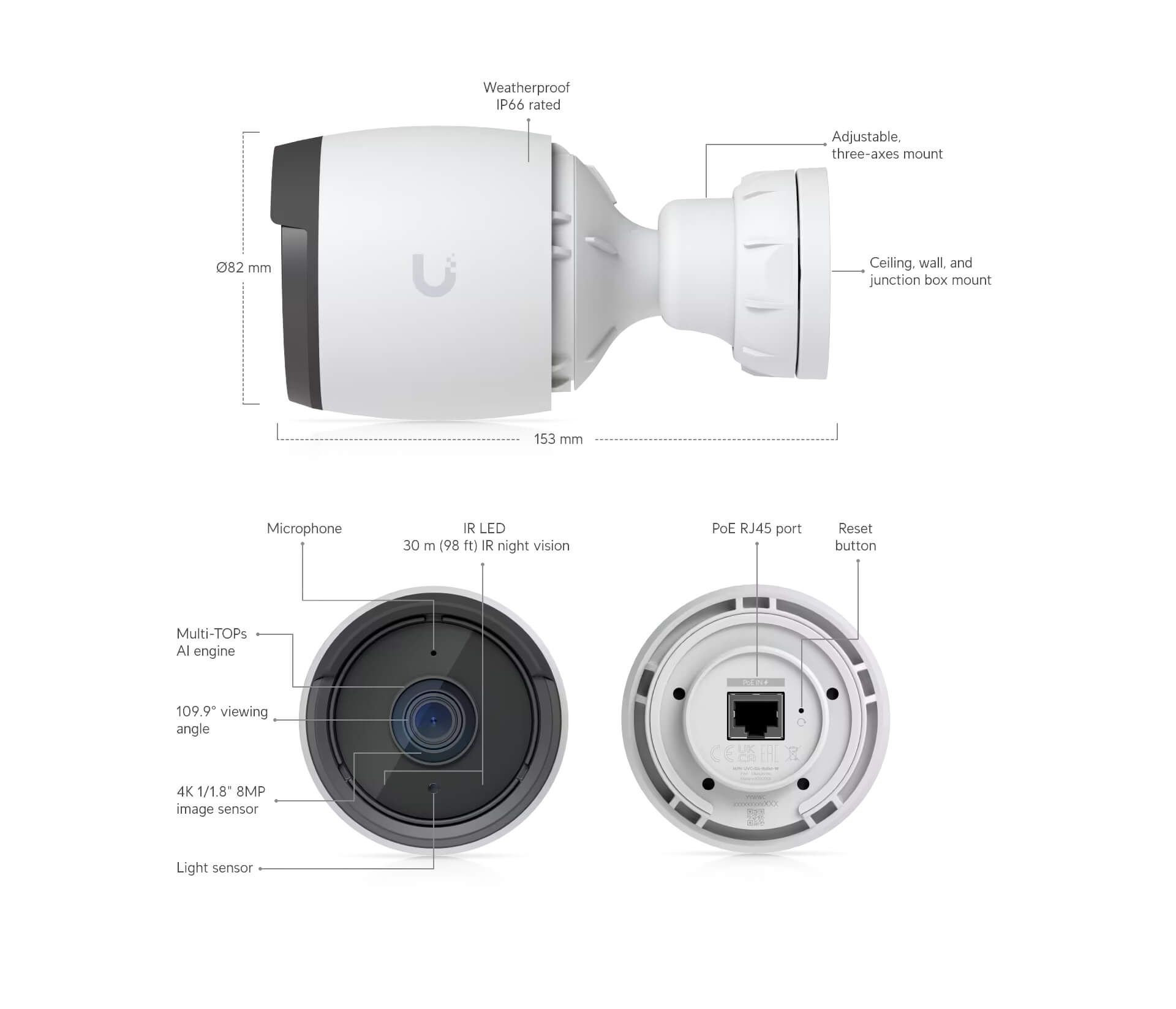
Bullet cameras suit long approaches, fence lines, and parking areas. The body shape reads as a visible deterrent, which is often the point on a perimeter.
See it working
Ubiquiti’s walkthrough of the Generation 5 Protect cameras, showing the detection and PTZ tracking behavior we set up on site. The system spots a person entering the scene, hands the subject to a PTZ camera, and keeps them centered through to the vehicle, so an incident review has one continuous clip instead of a gap between camera views.
The UniFi Protect app
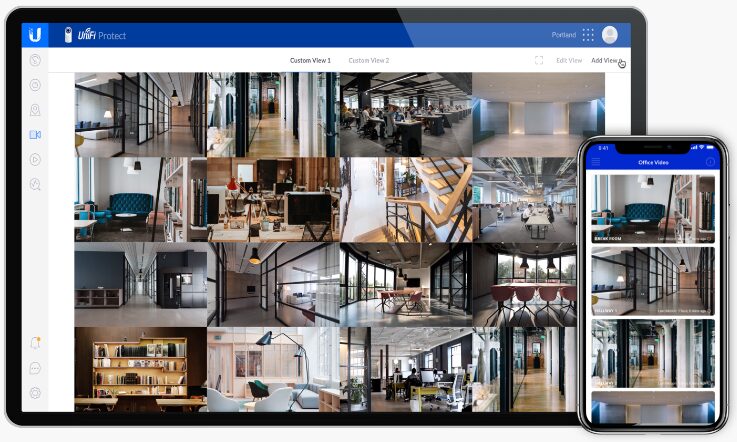
Everything the system records is reachable from the Protect app on iPhone and Android, or from any browser. Live view, scrubbing back through recorded footage, and exporting a clip all work the same way from a phone as they do from the desk.
What is new in UniFi Protect
Ubiquiti’s own overview of the current Protect release. The headline additions are cryptographically verified video, where a downloaded clip carries a signature that proves it has not been altered, chain-of-custody tracking that records who viewed and downloaded which evidence, wider ONVIF support for third-party cameras, and PPE detection on the AI Key for construction and warehouse sites. Full write-up on Ubiquiti’s blog.
The UniFi API, when you want the data elsewhere
Ubiquiti publishes an official API, so a Protect system does not have to be an island. There is a cloud Site Manager API that reports across every site you own, and a local API on the console itself for the Protect application, covering cameras, events, and streams. Access is by API key, generated in the UniFi Site Manager under Settings, and the local API keeps working on your own network.
In practice that is how a camera event ends up on a dashboard next to the alarm system and the building controls, or how a site with several buildings gets one view of all of them. We are happy to work with your IT team, or with 845 Data, on that integration.
Your footage stays in your building
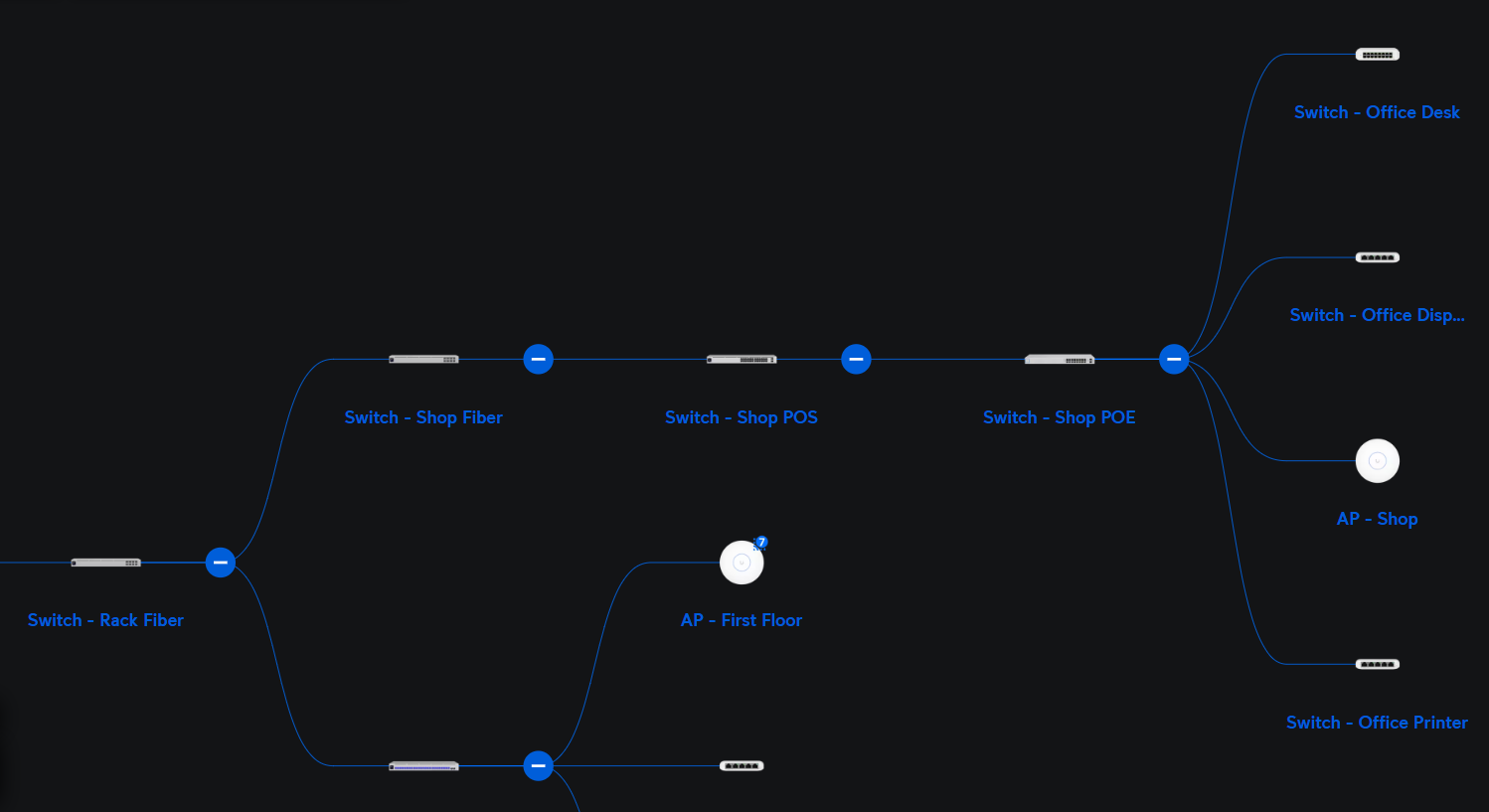
Protect records to a console or network video recorder on site. You own the drives, and the recording keeps running whether or not the internet is up.
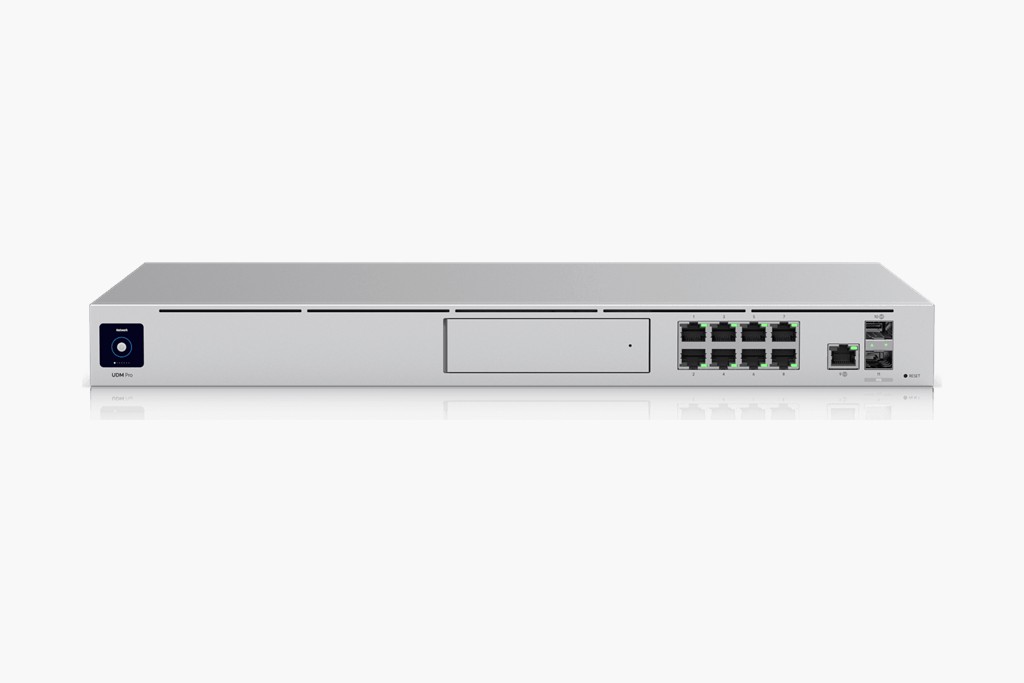
A UniFi console records every camera locally. No per-camera license, no monthly cloud storage bill, and no third party holding your video.
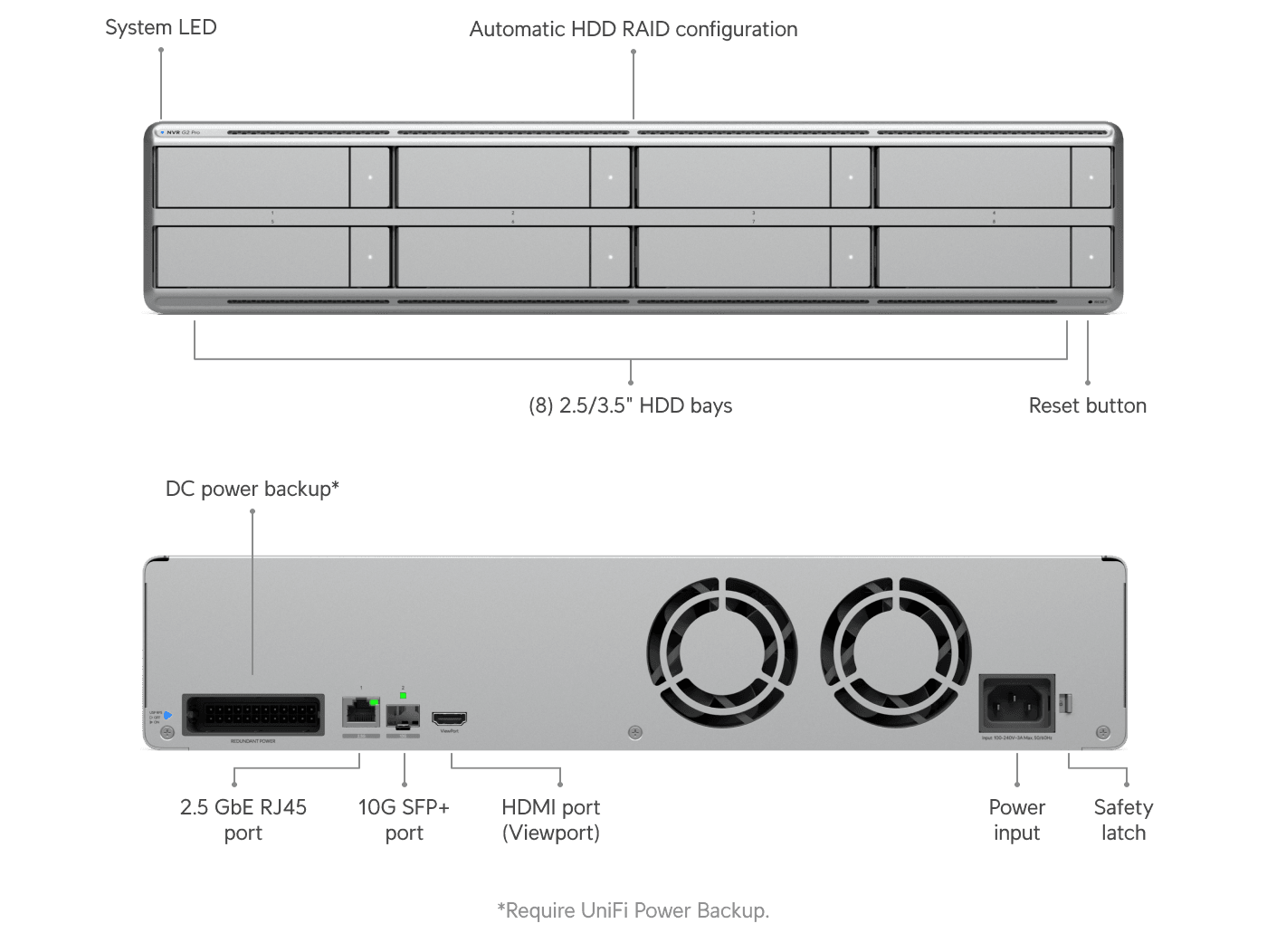
For larger sites, a dedicated network video recorder adds drive bays and retention, so a camera count that grows later does not mean replacing the recorder.
A note on facial recognition
UniFi Protect can do facial recognition. We leave it switched off by default and only enable it if you ask for it and have thought through the notice and policy obligations that come with biometric data in New York. Person and vehicle detection, which is what most sites actually need, does not require it.
Free Camera Walk-Through
Tell us what you need to see and who is allowed to see it. We will design the camera layout, size the recorder for the retention you want, and show you the one-time cost with no per-camera licensing attached.
Contact Us