
Access Control Systems
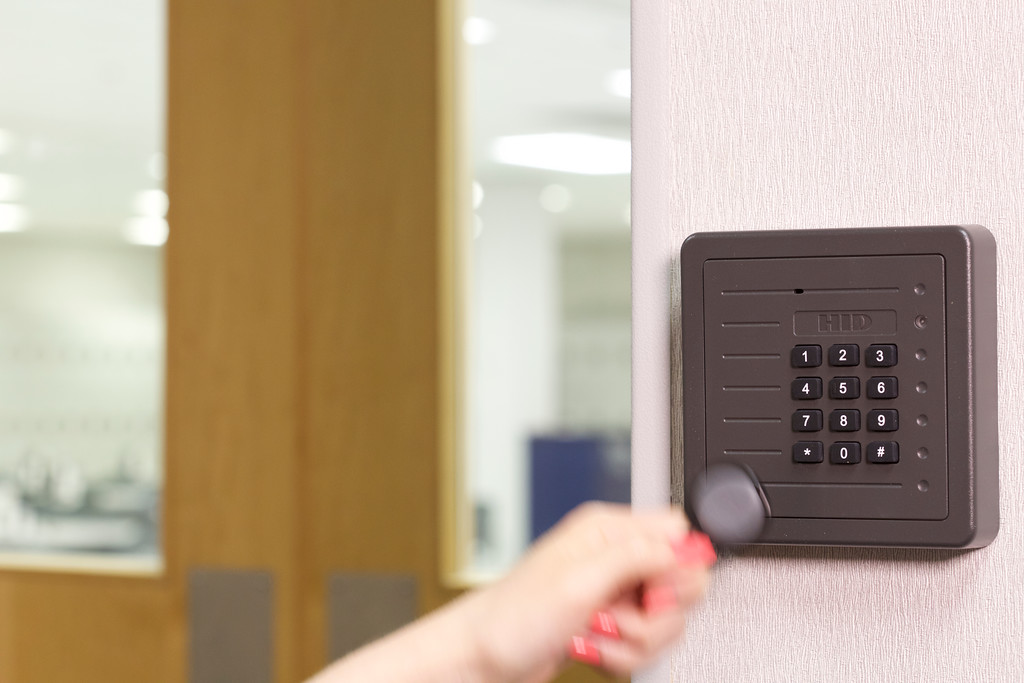
Access control is about knowing who can open which door, and when. We install two platforms across the Hudson Valley and pick between them on the job, not in the brochure: DMP, where access rides on the same panel as the burglary and fire system, and UniFi Access, where doors sit on the network alongside the cameras.
Either way you stop re-keying locks. A credential is deleted in software the day someone leaves, and every door event is on record.
Which platform, and why
The honest answer is that it depends on what else the building needs. Here is how we decide.
Choose DMP when
The building also needs burglary or fire. One panel, one monitoring account, one app. A badge can unlock the door and disarm the area in the same action, which no two-system setup does cleanly.
Choose UniFi Access when
The building is already on UniFi, or the doors want a camera, an intercom, and mobile or face unlock. Readers run over one PoE cable and share the console with UniFi Protect.
DMP XR150: access on the security panel
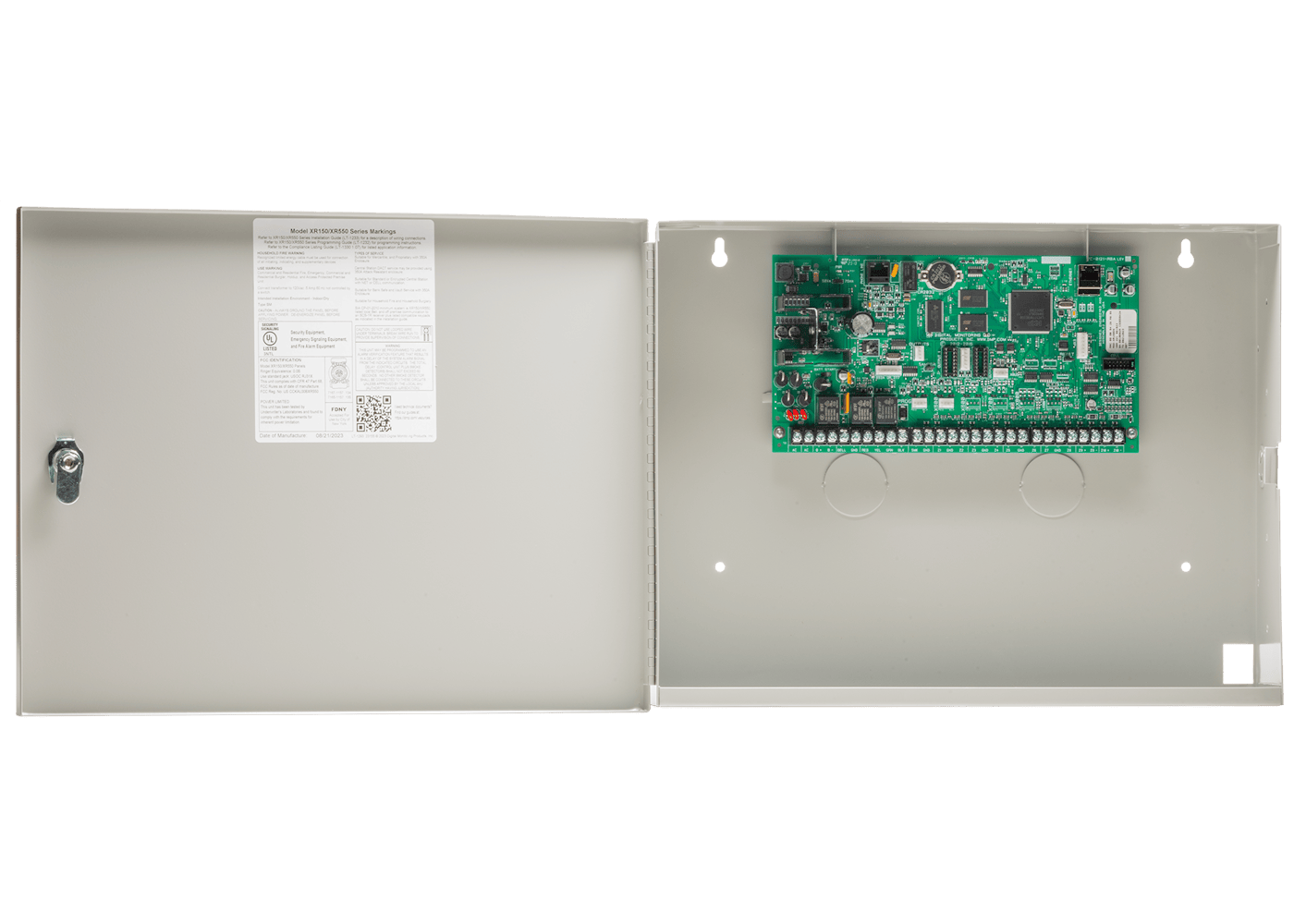
The XR150 is a combined access control, burglary, and fire panel. Doors are added with 734 Series modules, so credentials, schedules, and door events live in the same system as the alarm, and staff use one app for all of it.
DMP door hardware
Modules are matched to the door and the wiring that is already there.

The 734N puts a door on the existing IP network and the 734N-POE runs on a single PoE cable. The 1134 goes wireless where trenching to a gate or a detached building is not worth it.
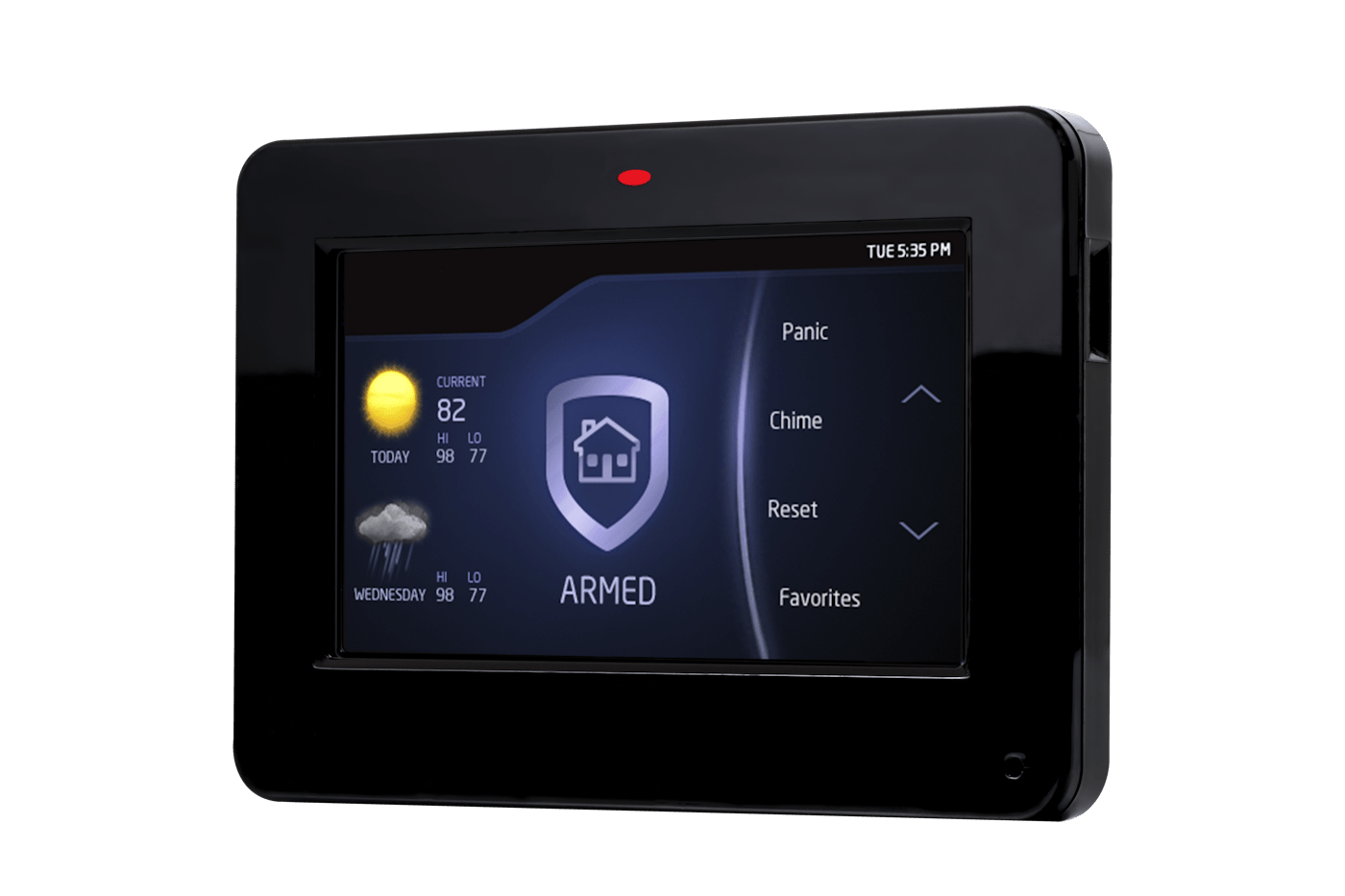
A 7800 Series touchscreen keypad arms, disarms, and annunciates in plain English, and a keypad with a built-in proximity reader can serve as the reader on a main entry door.
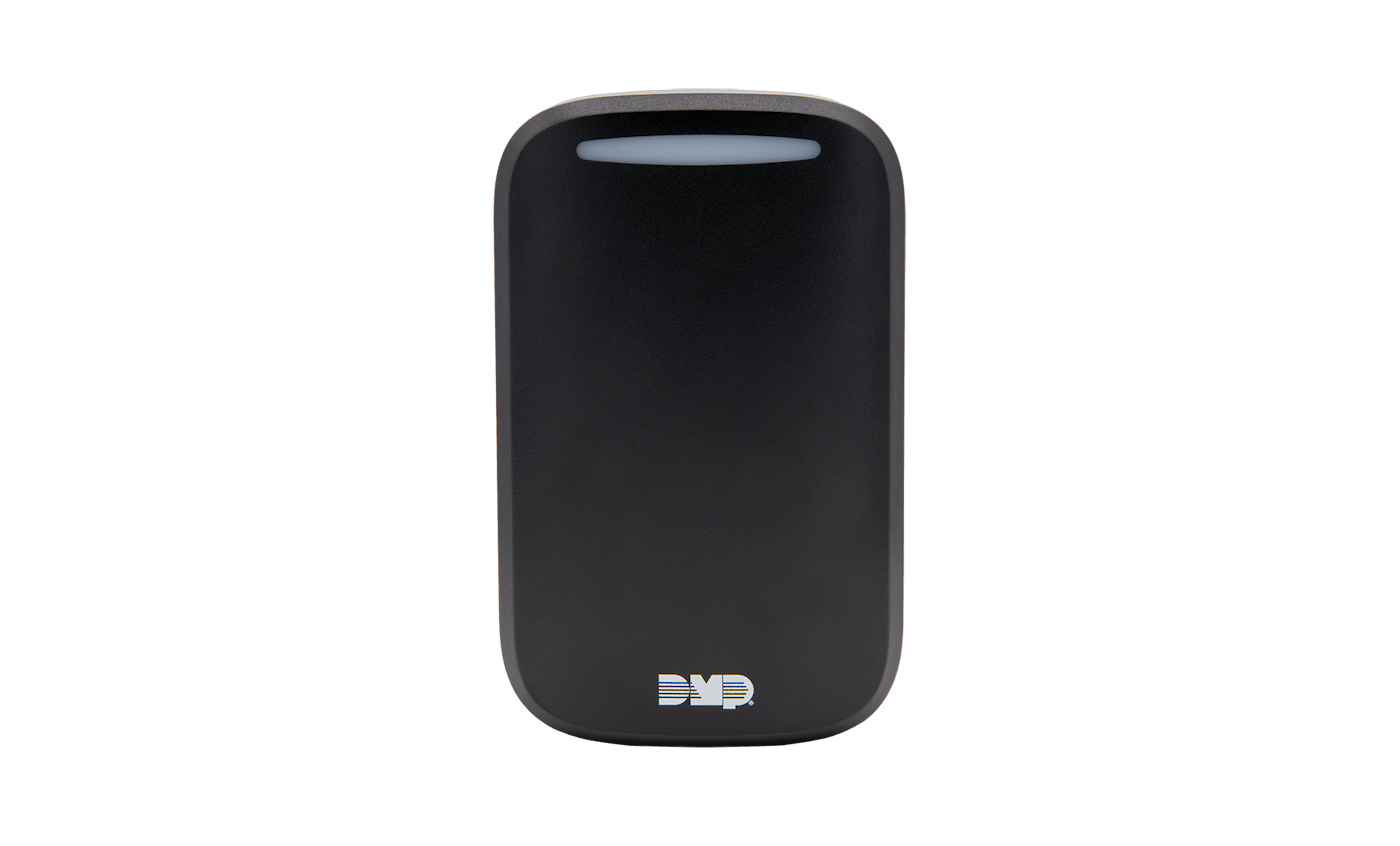
Readers support OSDP and Wiegand, 26 to 40 bit, up to eight card formats, covering prox, smartcard, key fob, biometric, and mobile wallet credentials.
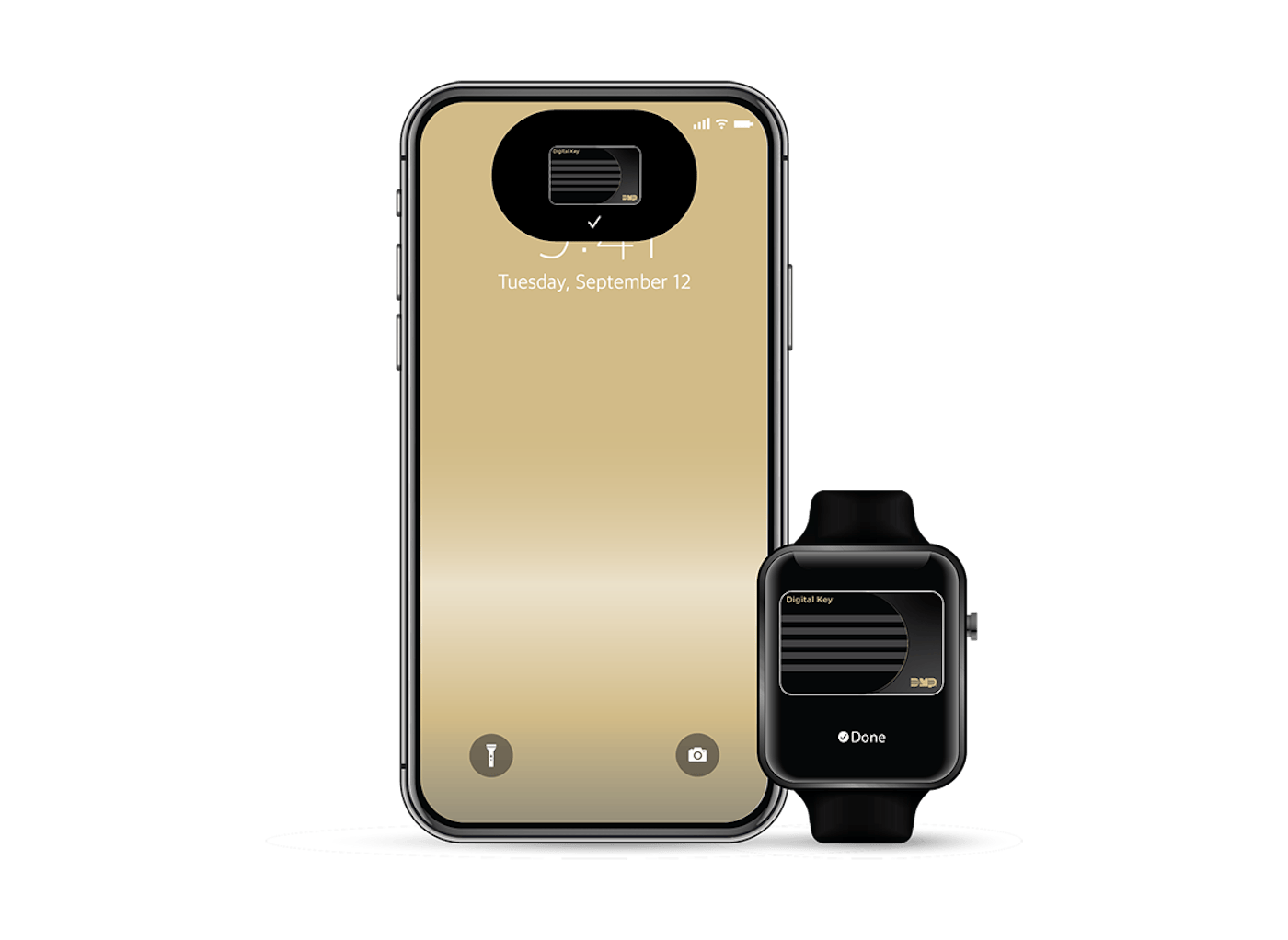
Mobile credentials mean no card to issue or collect. Access is granted from the app and revoked the same way, which matters most for contractors and temporary staff.
UniFi Access: doors on the network
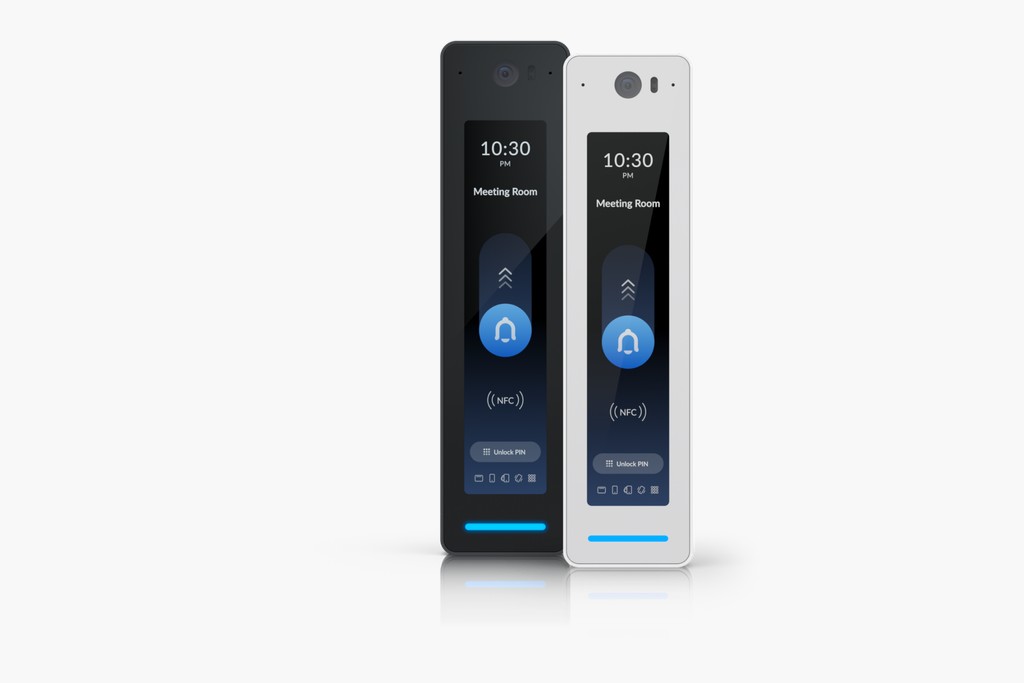
UniFi Access puts readers on the same console as UniFi Protect, so a door event and the camera clip that goes with it sit side by side. Readers are Power over Ethernet, one cable per door back to an Access Hub, and there is no per-door licensing to keep paying.
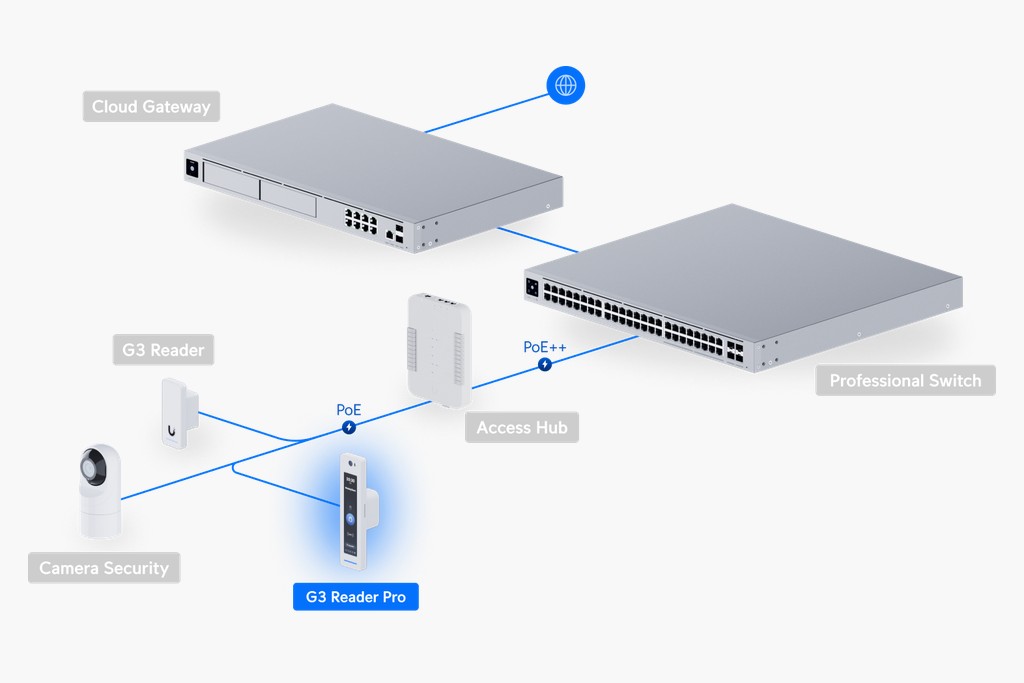
How a UniFi Access door is put together
Readers land on an Access Hub, the hub sits on a PoE switch, and the whole thing runs from the same gateway as the network and the cameras. One system to learn and one place to look when something needs checking.

Day-to-day management
Most of the value shows up after the install, in the small things that used to take a locksmith or a site visit.
Reporting you can actually use
Every presentation of a credential is logged, whether it opened the door or not. That record answers the questions that come up after an incident, settles disputes about who was on site, and gives you an audit trail for insurance or a compliance review.
On a DMP system, reports are available from the Virtual Keypad app and MyVirtualKeypad.com. On UniFi Access, they come from the same console as the cameras, so a door event and its video are one click apart.

Manufacturer documentation
Specifications are the manufacturers’ and can change without notice, so we confirm the exact build list on your quote.
Free Door-by-Door Walk-Through
Tell us which doors matter and who should get through them. We will walk the building, tell you which platform fits and why, and price it out at no charge.
Contact Us